
5GHz Wi-Fi Worse Than 2.4GHz – Real Reasons Explained (UK Edition)
You’ve invested in a modern router and switched to the 5GHz band, expecting lightning-fast Wi-Fi across your home. But sometimes, 5GHz Wi-Fi worse than 2.4GHz — your connection drops, videos buffer, and the internet feels slower than ever.
If you’ve googled “5GHz Wi-Fi worse than 2.4GHz”, you’re not alone. Many people in the UK face this issue daily, especially in larger homes or flats with thick walls.
The fact is simple: 5GHz Wi-Fi is faster but also more fragile. When used incorrectly, 2.4GHz can actually feel more reliable.
This guide explains why 5GHz Wi-Fi can perform worse than 2.4GHz, when it’s normal, and how to fix it to enjoy strong Wi-Fi across your home.
If your Wi-Fi only works in one room, the frequency band may be the reason. See Wi-Fi Works in One Room Only – Causes & Fixes.
Understanding 2.4GHz vs 5GHz Wi-Fi in UK Homes
Before we look at the problems, it’s useful to understand the difference between the two bands.
2.4GHz Wi-Fi
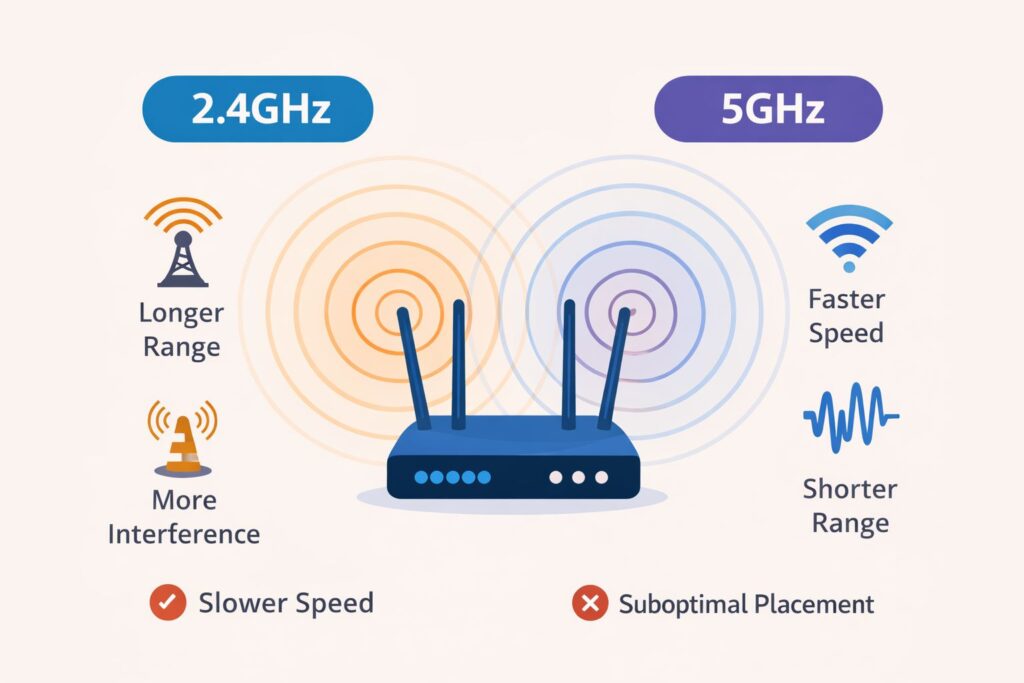
2.4GHz Wi-Fi has been around for years and is designed for coverage rather than speed. It travels further and copes better with obstacles, which makes it surprisingly reliable.
Strengths:
- Covers most of the house
- Penetrates walls and floors
- Stable for everyday tasks
Weaknesses:
- Slower speeds
- Easily affected by interference
- Crowded frequency band
5GHz Wi-Fi
5GHz Wi-Fi focuses on speed, not distance. It’s excellent for high-bandwidth activities but struggles when conditions aren’t ideal.
Strengths:
- Faster speeds
- Lower latency
- Less interference (in theory)
Weaknesses:
- Shorter range
- Poor wall penetration
- Sensitive to placement and movement
So while 5GHz is technically faster, in many UK homes, 2.4GHz can feel more dependable, particularly in multi-storey houses or apartments with thick walls.
This behaviour is explained in IEEE wireless networking standards, which show why higher-frequency signals like 5GHz provide speed but lose range faster.
Why 5GHz Wi-Fi Worse Than 2.4GHz in Many UK Homes
Limited Range Is the Main Reason
The primary reason 5GHz Wi-Fi is worse than 2.4GHz is range.
In a typical UK home:
- Living room → great speed
- Hallway → weaker signal
- Upstairs bedroom → unstable or unusable
Higher frequencies weaken faster as they move away from the router, which is why 5GHz Wi-Fi worse than 2.4GHz in some areas. While you’ll get excellent speeds in the living room, even one room away the signal might struggle, and upstairs or in a rear bedroom, it could drop entirely.
According to Ofcom’s guidance on broadband speeds, Wi-Fi performance can vary widely depending on distance, walls, and router placement inside the home.
Thick Walls and Floors Block 5GHz Signals
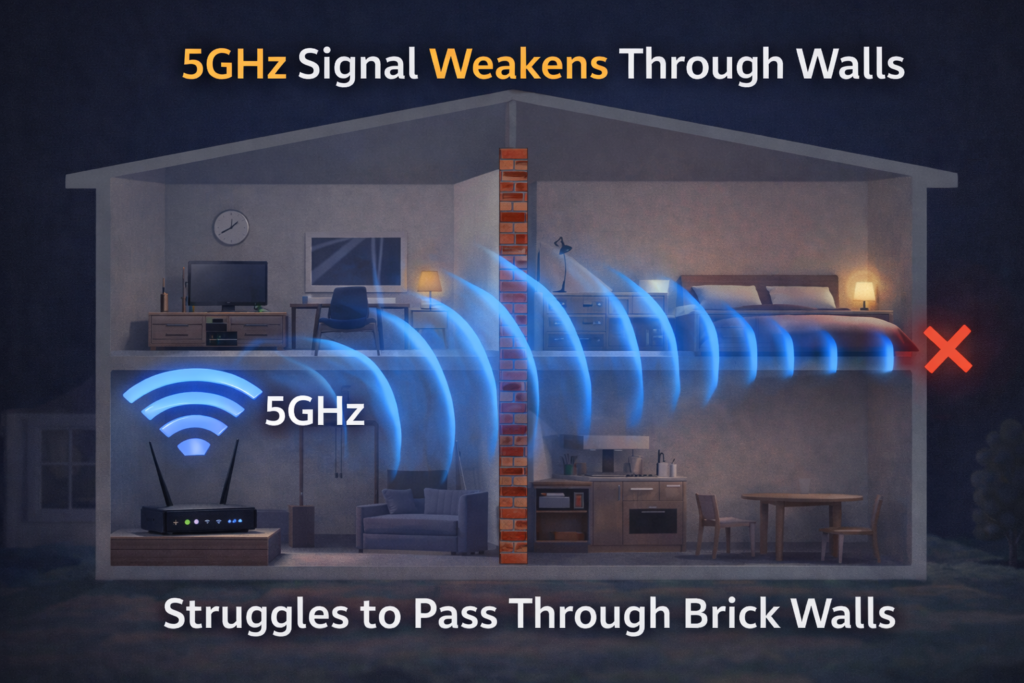
UK homes often have brick or concrete walls and multiple floors. 5GHz signals struggle to penetrate solid barriers, while 2.4GHz passes through more easily.
Objects that block Wi-Fi include:
- Brick or concrete walls
- Metal doors or radiators
- Mirrors
- Floors and ceilings
- Large furniture such as wardrobes or bookcases
This explains why 5GHz often works brilliantly in one room but is unusable in another.
This is why people often say:
“5GHz works fine in the lounge but not in the bedroom.”
Learn more in Thick Walls Blocking Wi-Fi Signal – How to Improve Coverage.
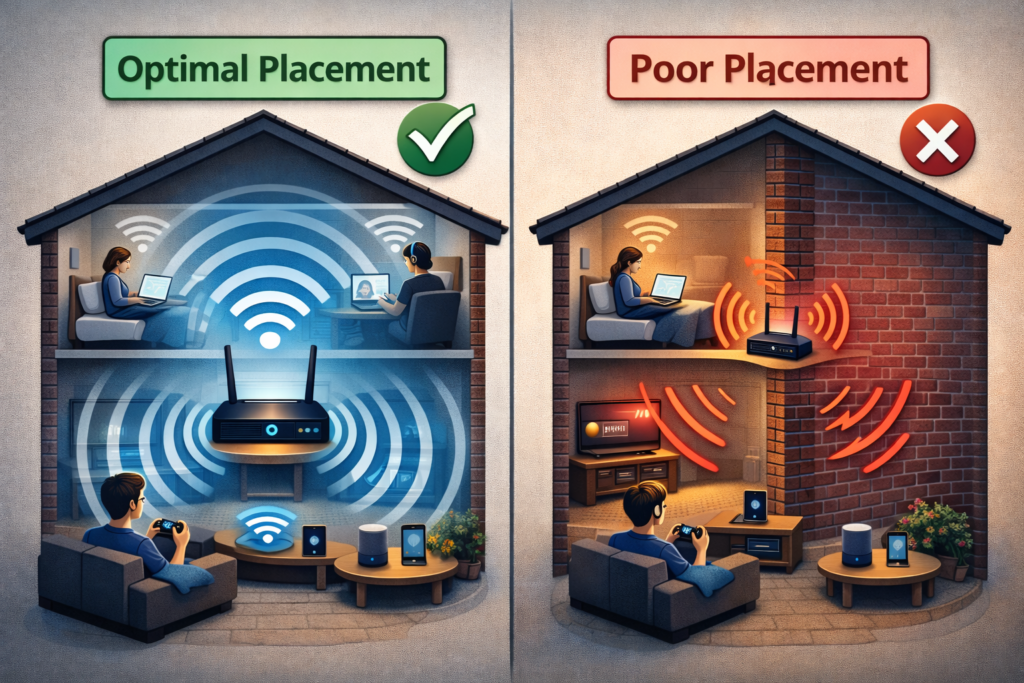
Router Placement Matters More Than You Think
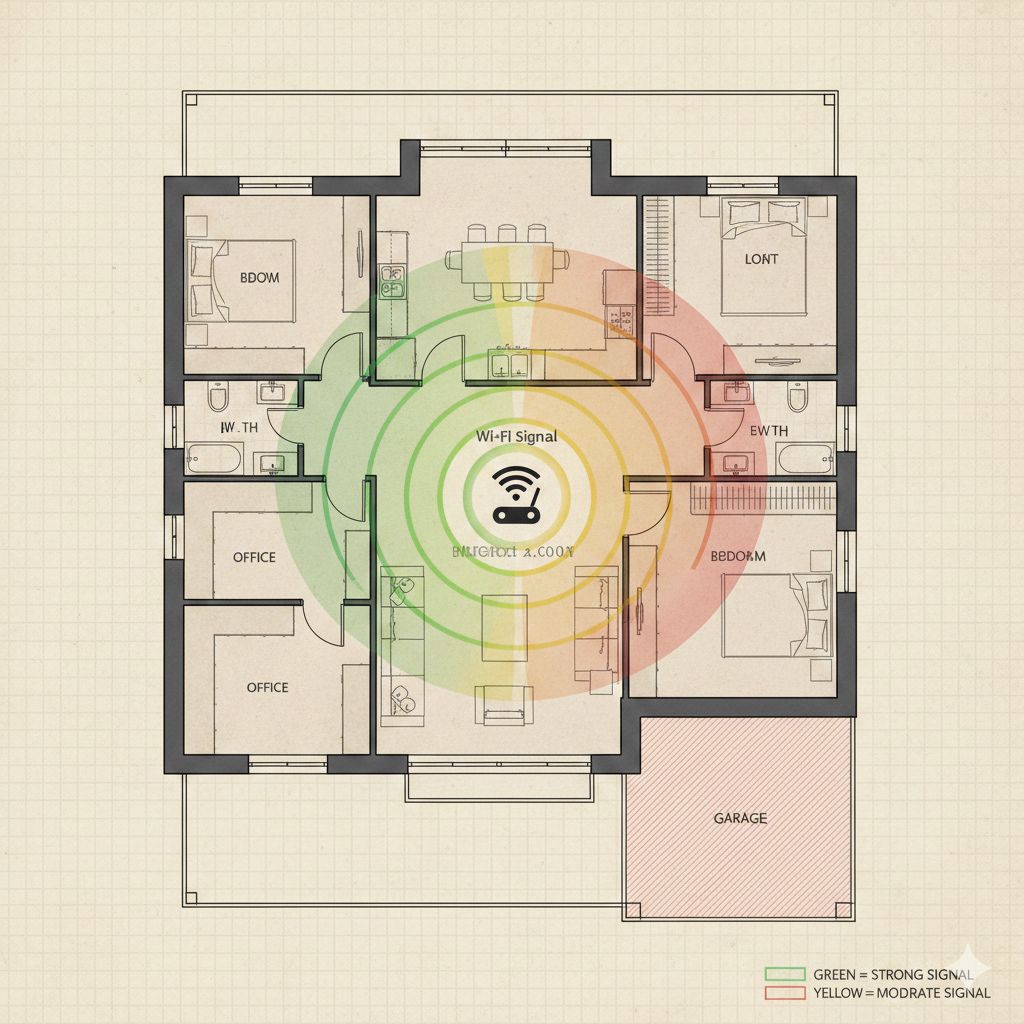
Most routers are installed wherever the phone line or fibre socket happens to be — often near the front door or in a corner of the house.
Poor placement examples:
- In a kitchen cupboard
- On the floor
- Behind TVs
- In corners of the house
Because 5GHz has limited coverage, bad placement affects it far more than 2.4GHz. A poorly placed router almost guarantees that 5GHz Wi-Fi worse than 2.4GHz.
Devices Switching Between Bands Can Cause Frustration
Modern devices automatically switch between 2.4GHz and 5GHz to maintain connection. While this sounds helpful, it often causes frustration.
What happens:
- Device connects to 5GHz
- Signal weakens slightly
- Device automatically switches to 2.4GHz
- Speed fluctuates
- Apps buffer or reload
This automatic switching makes 5GHz appear unreliable, even when the router is fine.
Router manufacturers such as TP-Link also explain how 2.4GHz and 5GHz behave differently depending on distance and obstacles.
Older Devices Don’t Handle 5GHz Well
Not all devices are created equal. Many older phones, laptops, and smart devices technically support 5GHz but don’t perform well on it.
Common culprits:
- Older Android phones
- Laptops or Tablets
- Smart home devices (plugs, cameras)
For these devices, 2.4GHz is usually more reliable.
Phones often struggle on 5GHz — read Wi-Fi Slow on Phone but Fast on Laptop – Why This Happens.
Check our Wi-Fi Router guide for recommended models in UK homes. Use a Wi-Fi Extender to boost coverage in larger flats or multi-storey homes.
DFS Channels Can Cause Unexpected Disconnects
Some 5GHz channels use DFS (Dynamic Frequency Selection) to avoid interference with radar.
When radar is detected:
- Router temporarily disables the channel
- Devices disconnect
- The router switches channels automatically
This results in unexplained dropouts that never affect 2.4GHz. Many people experience this without realising the cause.
5GHz Congestion Happens More Than You Think
While 2.4GHz is crowded, 5GHz is not immune to congestion. It’s a myth that 5GHz is always congestion-free. In flats, apartments, or terraced houses, many neighbours use the same channels.
Especially in flats or densely populated UK neighbourhoods:
- Neighbours’ routers may overlap channels
- Routers may auto-select poor channels
- Wireless interference can reduce speeds
Result: 5GHz feels slower than expected.

Line-of-Sight Is Key for 5GHz
5GHz Wi-Fi works best when there is a clear path between the router and device. Obstacles like walls, floors, or furniture can drastically reduce speed.
Ideal for:
- Gaming consoles
- Smart TVs near the router
- Desktop PCs in the same room
For roaming around the house, 2.4GHz is often more reliable.
Your Broadband Speed May Not Benefit From 5GHz
For internet plans under 100Mbps, the extra speed from 5GHz often doesn’t make a noticeable difference.
2.4GHz can comfortably handle:
- HD streaming
- Video calls
- Browsing
- Social media
This is why the weaknesses of 5GHz become more obvious.
How to Fix 5GHz Wi-Fi Problems in UK Homes
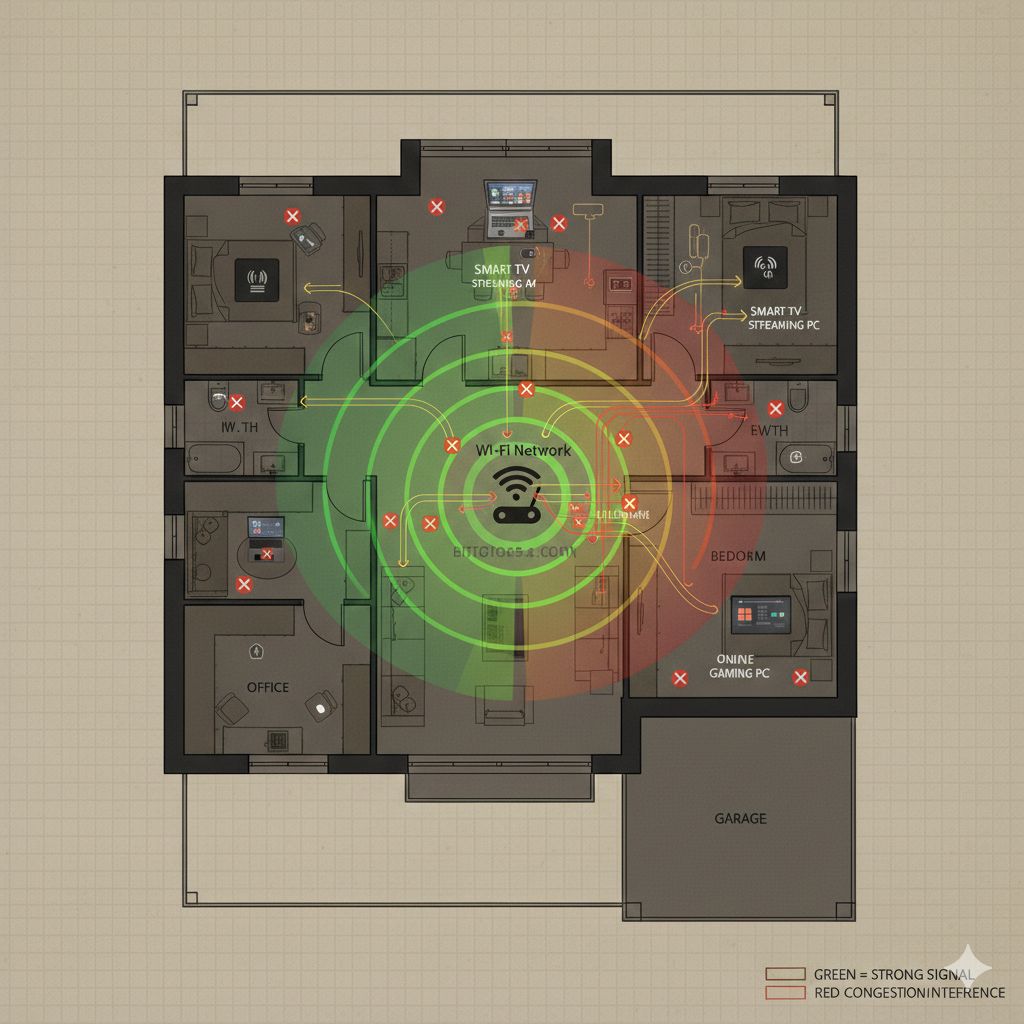
✔ Move Your Router Centrally
Place it:
- High up
- In an open area
- Away from walls, metals, and mirrors
✔ Separate 2.4GHz and 5GHz SSIDs
Give 2.4GHz and 5GHz different names so you can choose the right band for each device instead of letting devices switch randomly.
✔ Manually Select 5GHz Channels
Avoid DFS channels if possible for more stable connectivity.
✔ Use a Mesh System for Whole-Home Coverage
Mesh systems are ideal for UK homes with multiple floors or thick walls. They extend strong 5GHz coverage without relying on extenders.
Google explains that mesh Wi-Fi systems improve coverage by spreading the signal evenly across the home rather than relying on a single router.
✔ Keep Firmware Updated
Ensures bug fixes, improved stability, and security updates.
FAQ Section – Google Discover Friendly
Q1: Why is my 5GHz Wi-Fi worse than 2.4GHz in the bedroom?
A1: 5GHz signals struggle to penetrate walls and floors, especially in UK homes with brick or concrete. 2.4GHz travels further and is more reliable across multiple rooms.
Q2: Should I always use 5GHz if my router supports it?
A2: Not necessarily. Use 5GHz for high-speed tasks near the router and 2.4GHz for general browsing or devices further away.
Q3: How can I improve 5GHz Wi-Fi performance?
A3: Centralise your router, separate SSIDs, manually select channels, update firmware, or use a mesh Wi-Fi system.
Q4: Is 5GHz faster than 2.4GHz?
A4: Technically yes, but in real homes, speed depends on distance, walls, and device capabilities.
Q5: Does 5GHz Wi-Fi consume more electricity?
A5: No, the difference is negligible. Performance depends on signal strength and device, not energy consumption.
Q6: Can neighbours’ Wi-Fi affect 5GHz?
A6: Yes, especially in flats or dense housing. Channel overlap can reduce speed and stability.
Final Verdict
If you feel that 5GHz Wi-Fi is worse than 2.4GHz, you’re not wrong — but it’s not a fault, either. It’s simply a mismatch between how 5GHz works and how real homes are built.
Understanding this lets you:
- Use each band correctly
- Improve Wi-Fi without overspending
- Get faster, more stable internet where it actually matters
Enjoyed our Wi-Fi guides? Share your experience on Trustpilot — we’d love to hear from you!
Pingback: Wi-Fi Works in One Room Only? 4 Easy Fixes in UK Homes
Pingback: 5 Shocking Reasons Wi-Fi Slow on Phone but Fast on Laptop
Pingback: New Router but Same Wi-Fi Problems? 7 Quick Fixes
Pingback: Thick Walls Blocking Wi-Fi Signal? 11 Proven Ways to Improve