
Smart TV Not Connecting to WiFi UK – Complete Troubleshooting Guide (That Actually Works)
If your Smart TV not connecting to WiFi UK is driving you mad, you’re not alone. It always seems to happen at the worst time — just when you’re about to watch Netflix, live football, or your favourite catch-up show.
You open YouTube.
“Not connected to the internet.”
You try Netflix.
“Network error.”
You check your phone — WiFi works fine.
So what’s going on?
In this detailed UK troubleshooting guide, I’ll walk you through the real causes, practical fixes that actually work in UK homes, and when it’s time to contact your broadband provider. This is written based on real-world scenarios — not just generic tech advice.
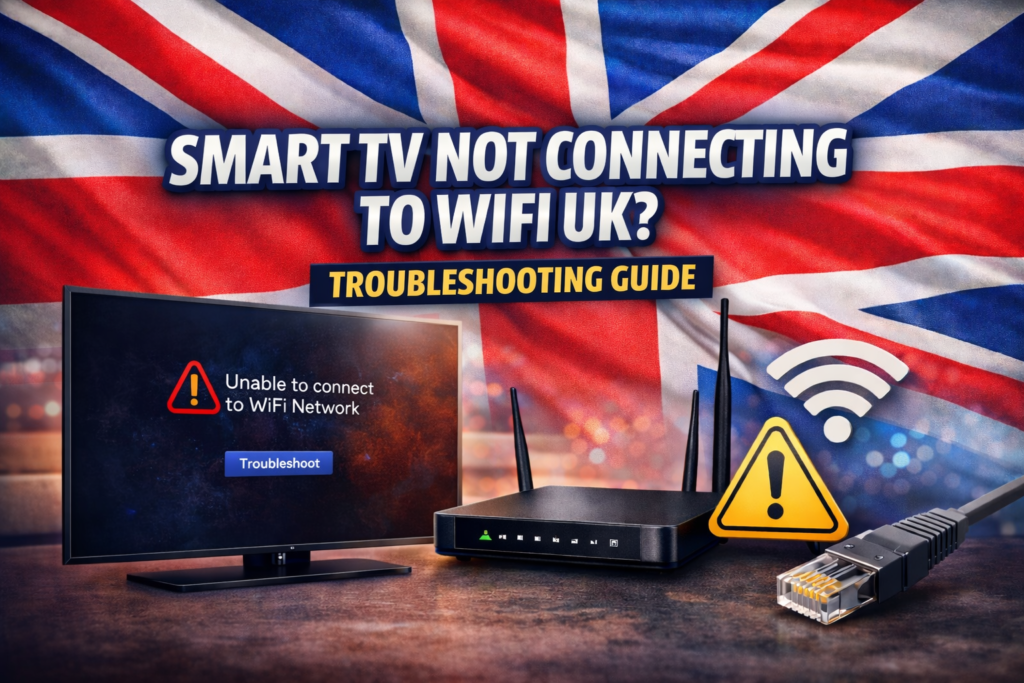
Why Is Your Smart TV Not Connecting to WiFi in the UK?
Before jumping into fixes, it helps to understand what’s usually causing the issue.
In most UK households, the problem falls into one of these categories:
- Weak WiFi signal in living rooms
- Router settings blocking the TV
- Incorrect WiFi password saved
- Outdated TV software
- Broadband outages
- Router frequency (2.4GHz vs 5GHz) compatibility
- ISP-level issues
Whether you’re with BT Group, Sky Group, or Virgin Media, the fixes below apply to most UK broadband setups.
How Frequency Bands Affect Smart TV Connections
Many UK Smart TVs don’t support 5GHz WiFi.
- Connect older TVs to 2.4GHz
- Use 5GHz only for newer models or gaming devices
This step often solves issues where the TV keeps failing to connect, even though phones work fine.
Step-by-Step Solutions – Smart TV not connecting to WiFi UK
Restart Everything (Yes, It Really Works)
It sounds basic, but this fixes about 40% of cases.
Do this properly:
- Turn off your TV.
- Switch off your router at the wall.
- Wait 5 full minutes.
- Turn router back on and wait until all lights stabilise.
- Turn TV back on and reconnect.
Why this works:
Routers in UK homes often run continuously for months. Restarting clears temporary network conflicts and refreshes the IP address.
Check If Your Broadband Is Actually Working
Even if your phone connects, your broadband may be unstable.
Visit your provider’s service status page:
- BT Service Status – https://www.bt.com/help/check-service-status
- Sky Service Checker – https://www.sky.com/help/home
- Virgin Media Status – https://www.virginmedia.com/help/service-status
You can also check outage reports via Ofcom updates:
https://www.ofcom.org.uk/home-phones-and-broadband
If there’s an outage in your area, no TV fix will work until service returns.
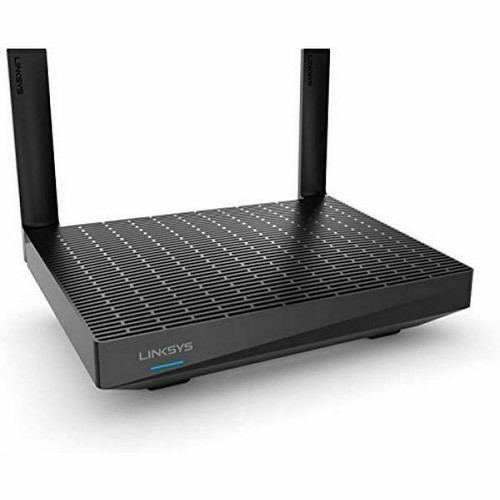
Move the Router (UK Homes Have Thick Walls)
Many UK houses — especially older brick properties — block WiFi signals.
Common scenario:
- Router in hallway
- TV in back living room
- Signal has to pass through 2–3 brick walls
Result? Weak connection or “Connected without internet.”
Fix:
- Move router closer to TV.
- Keep router off the floor.
- Avoid placing it behind cabinets or inside cupboards.
- Upgrade to a mesh system if needed.
If you regularly struggle with coverage, read our pillar guide:
👉 Why Is My WiFi So Slow in the UK? (Complete Home Fix Guide)
Forget the Network and Reconnect
Sometimes the TV simply stores incorrect credentials.
How:
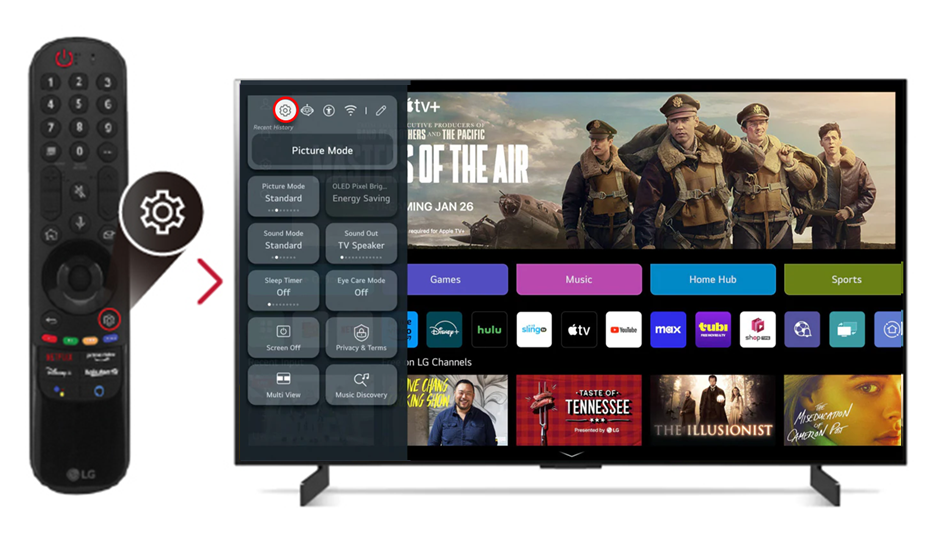
- Go to TV Settings.
- Select Network.
- Choose “Forget Network.”
- Re-enter WiFi password carefully.
Make sure:
- Caps Lock isn’t causing errors.
- You’re connecting to the correct band (2.4GHz vs 5GHz).
Check 2.4GHz vs 5GHz Compatibility
Some older Smart TVs don’t support 5GHz WiFi.
UK routers often broadcast two networks:
- MyWiFi
- MyWiFi-5G
If your TV only supports 2.4GHz, it won’t connect to the 5G network.
Fix:
Try connecting to the standard (non-5G) network.
Update Your Smart TV Software
Outdated firmware can cause connection failures.
Go to:
Settings → Support → Software Update
Manufacturers often release network stability patches.
This applies to:
- Samsung Smart TVs
- LG webOS TVs
- Sony Android TVs
Try a Wired Ethernet Connection
If WiFi keeps failing, plug an Ethernet cable directly from router to TV.
If it connects instantly, the issue is signal-related — not broadband.
Ethernet gives:
- Faster speeds
- More stable streaming
- Zero interference
Many UK users switch to wired connections for streaming-heavy households.
Reset Network Settings on Your TV
If nothing works:
Go to:
Settings → General → Reset Network
This clears:
- Saved WiFi data
- IP conflicts
- DNS errors
Then reconnect fresh.
Factory Reset (Last Resort)
Only do this if all else fails.
Factory reset will:
- Remove apps
- Delete login info
- Reset picture settings
But it can fix deep software conflicts.
How Router Placement Impacts Smart TV Connectivity
Router placement is one of the most overlooked causes.
- Place router centrally, off the floor
- Avoid cupboards or behind TVs
- Consider mesh WiFi for larger UK homes
For detailed device-specific fixes, see:
👉 [Best Budget WiFi Routers UK]
👉 [Best Budget WiFi Extenders UK]
Real UK Example Scenario
A reader from Manchester had this issue:
- Virgin Media router in front hallway
- TV in back lounge
- Netflix constantly failed to connect
- Phone WiFi worked
Solution:
- Installed mesh WiFi extender
- Problem instantly fixed
Moral: TVs are less powerful at receiving WiFi than phones.
When to Contact Your Broadband Provider
If your Smart TV not connecting to WiFi UK problem persists after:
- Restarting router
- Resetting TV network
- Trying Ethernet
- Checking outages
Then contact your ISP.
Ask them:
- Is my router firmware up to date?
- Can you refresh my connection?
- Is my router faulty?
Sometimes older routers simply struggle with multiple connected devices.
Prevent Future WiFi Problems
Here’s how to avoid this happening again:
- Restart router every 2–3 weeks
- Keep router central and elevated
- Avoid stacking electronics nearby
- Update TV quarterly
- Use Ethernet for main streaming TV
- Consider mesh WiFi for larger homes
FAQs – Smart TV Not Connecting to WiFi UK
Why does my Smart TV say connected but no internet?
Usually DNS or IP conflict. Restart router and TV.
Why does WiFi work on my phone but not my TV?
TVs have weaker WiFi antennas. Signal strength matters more.
Should I use WiFi extenders?
Yes — especially in larger UK houses.
Is Ethernet better than WiFi?
For streaming, yes. Always more stable.
Can my broadband speed cause connection failure?
Yes. If speeds drop below 5–10 Mbps, streaming apps may refuse to load.
Related Guides
You may also find these helpful:
- TV Buffering on WiFi UK – Fixes That Actually Work
- Netflix Keeps Buffering on Smart TV UK – Causes & Solutions
- Why Is My WiFi So Slow in the UK? Complete Fix Guide
Final Thoughts
When your Smart TV not connecting to WiFi UK becomes a regular problem, it’s rarely the TV’s fault alone.
In UK homes, the real issue is usually:
- Router placement
- Signal strength
- ISP hardware limitations
- Start simple
- Restart everything
- Check signal strength
- Try Ethernet
Most people solve the problem in under 20 minutes once they follow structured steps instead of random guessing.
Enjoyed our TV & Streaming Problems guides? Share your experience on Trustpilot — we’d love to hear from you!
Pingback: Soundbar Not Connecting to TV : 7 Proven Fixes