
HDMI ARC Not Working on Smart TV UK(Full Troubleshooting Guide)
If your HDMI ARC not working on Smart TV UK, you’re probably dealing with one of these frustrating issues:
- No sound from soundbar
- Audio cutting out
- TV speakers still playing instead of sound system
- ARC option greyed out
- Sound delay (lip sync problem)
The good news? In most UK households, this is not a hardware failure. It’s usually a settings issue, HDMI cable problem, or brand-specific configuration mistake.
In this complete guide, we’ll cover:
- What HDMI ARC actually does
- Why it stops working
- Brand-specific fixes (Samsung, LG, Sony, Hisense)
- Cable and eARC issues
- Sound delay solutions
- When to upgrade equipment
For a complete overview of TV-related problems in UK homes, see our main hub:
👉 TV & Streaming Problems in UK – Complete Troubleshooting Guide
What Is HDMI ARC and Why It Matters
HDMI ARC stands for Audio Return Channel.
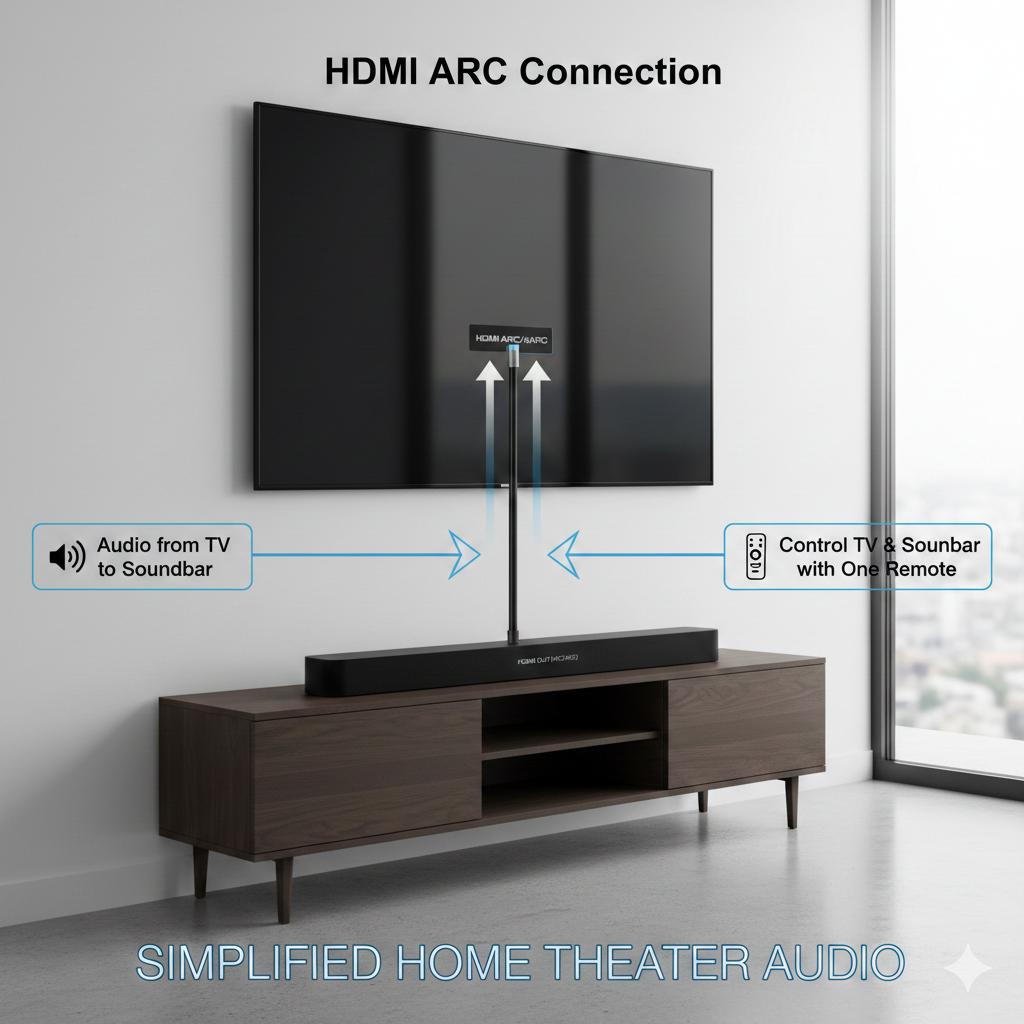
It allows:
- TV → Soundbar audio through one HDMI cable
- Control via one remote
- Cleaner cable setup
Without ARC, you’d need:
- Optical cable
- Separate remote
- Manual audio switching
Modern streaming apps like:
- Netflix
- BBC iPlayer
- Prime Video
- YouTube
send audio back through ARC to your sound system.
If you’re also having streaming issues, check:
👉 Smart TV Not Connecting to WiFi (UK Troubleshooting Guide)
👉 WiFi Signal Weak Near TV or Upstairs (UK Home Fixes)

Main Reasons HDMI ARC Stops Working in UK Homes
Let’s break down the most common causes.
HDMI Cable Is Not ARC-Compatible
This is the #1 issue.
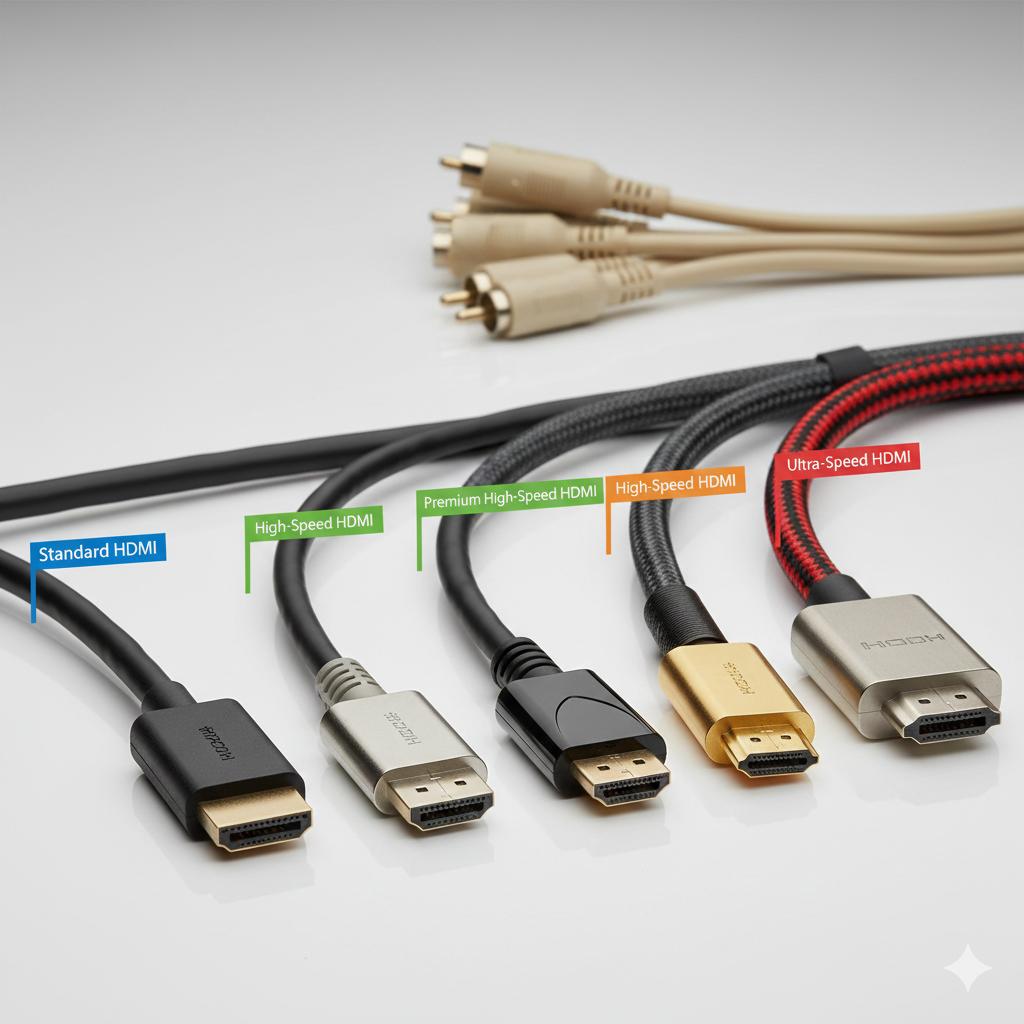
Many older HDMI cables:
- Do not support ARC
- Cannot handle eARC bandwidth
- Cause intermittent sound drops
Fix:
Use:
- High-Speed HDMI cable (minimum)
- Ultra High-Speed HDMI for eARC
You can verify cable certification here:
https://www.hdmi.org/spec21sub/ultrahighspeedcable
If your sound cuts randomly, the cable is often the culprit.
Wrong HDMI Port Used
On most TVs, only ONE port supports ARC.
Look for:
HDMI 2 (ARC)
or
HDMI 3 (eARC)
If plugged into HDMI 1, ARC won’t work.
Fix:
- Check TV back panel
- Plug cable into ARC-labelled port
- Restart TV and soundbar
ARC Disabled in TV Settings
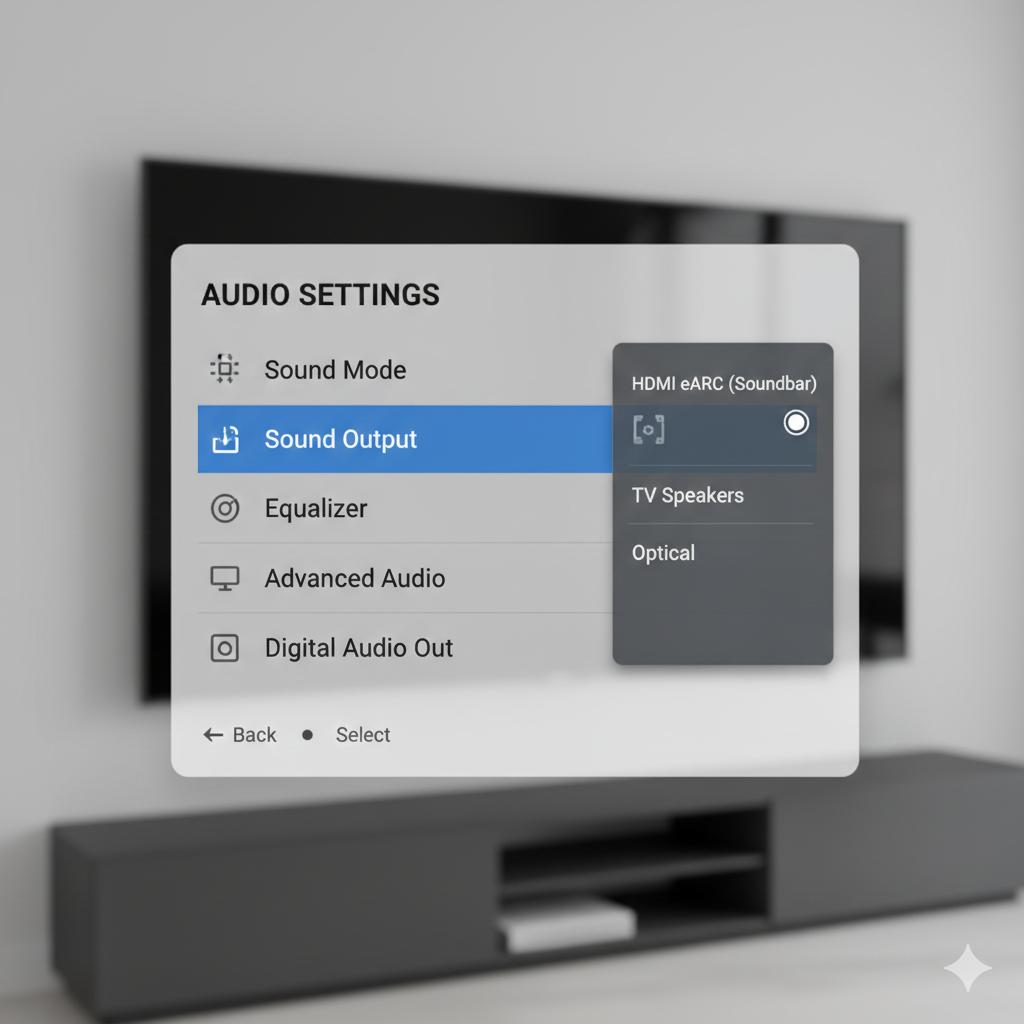
Many UK users forget to enable ARC.
On Samsung TVs:
Settings → Sound → Expert Settings → HDMI eARC Mode → Auto
On LG TVs:
Settings → Sound → Sound Out → HDMI ARC → Enable
On Sony TVs:
Settings → Display & Sound → Audio Output → eARC Mode → Auto
On Hisense TVs:
Settings → Sound → HDMI ARC → Enable
If ARC option is greyed out:
- Power cycle TV
- Disconnect all HDMI devices
- Reconnect only soundbar first
Brand-Specific ARC Problems (UK Models)
Let’s look deeper at common UK brand issues.
Samsung TV HDMI ARC Not Working
Common UK issue:
Anynet+ (HDMI-CEC) disabled.
Fix:
Settings → General → External Device Manager → Anynet+ → ON
Without HDMI-CEC, ARC won’t function.
Also ensure:
Digital Output Audio Format → Auto
LG TV ARC No Sound
LG TVs often default to:
Internal Speaker.
Fix:
Sound → Sound Out → HDMI ARC
If no sound:
- Set Digital Sound Out → Auto
- Disable SIMPLINK then enable again
Sony Bravia ARC Issues
Sony sometimes requires:
Bravia Sync ON
Settings → Watching TV → External Inputs → Bravia Sync → ON
Then:
Audio Output → Speakers → Audio System
Hisense ARC Problems (Common in UK Budget Models)
Hisense TVs may:
- Reset ARC after firmware update
- Require CEC enabled manually
Fix:
System → HDMI & CEC → Enable CEC + ARC
HDMI ARC Not Working With Sky Q, Virgin Media or Fire Stick (UK Setup Conflicts)
In many UK homes, HDMI ARC problems are not caused by the TV or soundbar — but by external devices like Sky Q, Virgin Media, Fire TV Stick or PlayStation.
These devices use HDMI-CEC, and when multiple devices try to control the TV at the same time, ARC can stop working or behave strangely.
Common symptoms:
- Sound works on Netflix but not on Sky Q
- Soundbar turns off randomly
- TV switches back to internal speakers
- ARC disconnects when console turns on
This is very common in UK setups where:
TV → Soundbar (ARC)
TV → Sky Q
TV → Fire Stick
TV → Gaming Console
All devices are fighting for HDMI control.
Why This Happens
HDMI ARC depends on HDMI-CEC.
When:
- Sky Q sends control signal
- Fire Stick tries to control volume
- PlayStation wakes the TV
The HDMI handshake resets — and ARC drops.
Fix 1: Disable HDMI-CEC on Non-Essential Devices
Keep HDMI-CEC enabled on:
✔ TV
✔ Soundbar
Disable it on:
✖ Sky Q (if unnecessary)
✖ PlayStation
✖ Xbox
✖ Fire Stick
Then restart all devices.
Fix 2: Change HDMI Port Layout
Try this setup:
HDMI 2 (ARC) → Soundbar
HDMI 1 → Sky Q
HDMI 3 → Console
Avoid plugging streaming sticks into the ARC port.
Fix 3: Use Soundbar HDMI Pass-Through Instead
If your soundbar has multiple HDMI inputs:
Connect like this:
Sky Q → Soundbar HDMI IN
Soundbar HDMI OUT (ARC) → TV ARC
This bypasses many ARC handshake conflicts.
Fix 4: Turn Off Auto Power Sync
Some devices automatically power on the TV.
Disable:
- Auto Power On
- Device Link
- Universal Remote sync
Then test ARC again.
eARC vs ARC – Why It Matters
Many UK TVs now support eARC (Enhanced Audio Return Channel).
Difference:
| ARC | eARC |
|---|---|
| Supports Dolby Digital | Supports Dolby Atmos |
| Lower bandwidth | Higher bandwidth |
| Basic HDMI cable | Ultra High-Speed HDMI |
If you upgraded to a Dolby Atmos soundbar and have no sound:
- Ensure both TV AND soundbar support eARC
- Enable eARC Mode in settings
More info:
https://www.hdmi.org/spec21sub/enhancedaudioreturnchannel

HDMI ARC No Sound – Complete Step-by-Step Reset
If nothing works, do this full reset:
- Turn off TV
- Unplug TV and soundbar
- Disconnect all HDMI cables
- Wait 5 minutes
- Connect ONLY ARC HDMI
- Power on soundbar first
- Then TV
This resets HDMI handshake.
HDMI ARC Audio Delay (Lip Sync Problem) – HDMI ARC not working on Smart TV UK
Very common in UK streaming apps.
Causes:
- Processing delay
- Dolby Atmos passthrough
- Low-quality HDMI cable
Fix 1: Adjust Audio Delay
TV Settings → Sound → Audio Delay / Lip Sync → Adjust manually
Fix 2: Set Audio Format to PCM
Instead of:
Auto or Bitstream
Use:
PCM
This removes delay but disables surround.
ARC Option Greyed Out
This usually means:
- HDMI-CEC disabled
- Wrong port used
- Soundbar not detected
Fix:
Enable HDMI-CEC first.
Brand names for HDMI-CEC:
- Samsung: Anynet+
- LG: SIMPLINK
- Sony: Bravia Sync
- Hisense: CEC
Without CEC, ARC does not activate.
When ARC Stops Working After Software Update
UK users often report:
“ARC stopped working after TV update.”
Fix:
Factory Reset (Last Resort)
Settings → Support → Reset
⚠ Warning:
This deletes WiFi and app logins.
If streaming apps also misbehave, read:
👉 Netflix Keeps Buffering on Smart TV (UK Causes & Fixes)
Powerline vs WiFi and Why It Affects ARC – HDMI ARC not working on Smart TV UK
Many people blame ARC when real issue is unstable streaming.
If WiFi drops:
Audio cuts.
Fix your internet first:
👉 WiFi Signal Weak Near TV or Upstairs (UK Home Fixes)
You can test broadband here:
https://www.speedtest.net
Minimum speeds:
- HD: 5 Mbps
- 4K: 25 Mbps
When to Replace Your Soundbar
Consider replacement if:
- Sound cuts constantly
- ARC disconnects randomly
- Device older than 6–7 years
- No firmware updates available
Modern soundbars handle ARC handshake better.
Advanced Troubleshooting for Persistent ARC Failures
If HDMI ARC not working on Smart TV UK, and you’ve tried everything:
Disable Other HDMI Devices
Gaming consoles can interfere with CEC.
Disconnect:
- Sky Q box
- PlayStation
- Xbox
Test ARC alone.
Change HDMI Input Signal Format
Some TVs require:
Enhanced Format enabled.
Samsung:
External Device Manager → Input Signal Plus → Enable
Check Soundbar Firmware
Visit manufacturer website and update firmware. Older firmware often causes ARC handshake issues.
Frequently Asked Questions – HDMI ARC not working on Smart TV UK
Why is HDMI ARC not working on Smart TV UK?
Usually:
- Anynet+ disabled
- Wrong HDMI port
- Cable not ARC compatible
Do I need a special HDMI cable for ARC?
Yes. Use at least High-Speed HDMI.
For eARC:
Ultra High-Speed HDMI recommended.
Why does sound cut out randomly?
Often:
- Faulty HDMI cable
- HDMI handshake issue
- WiFi streaming instability
Should I use Optical instead of ARC?
Optical is stable but:
- No Dolby Atmos
- No remote sync
ARC is better if configured properly.
Final Thoughts
If HDMI ARC not working on Smart TV UK, the problem is usually:
✔ HDMI-CEC disabled
✔ Wrong HDMI port
✔ Incorrect audio format
✔ Poor-quality HDMI cable
✔ Firmware mismatch
Rarely is it hardware failure.
Before buying new equipment:
- Check CEC
- Confirm ARC port
- Reset HDMI connection
- Update firmware
And if you want a full guide covering ALL UK TV issues in one place, read:
👉 TV & Streaming Problems in UK – Complete Troubleshooting Guide
This will help you fix:
- WiFi issues
- Streaming buffering
- HDMI problems
- Audio delay
- Smart TV app crashes
Enjoyed our TV & Streaming Problems guides? Share your experience on Trustpilot — we’d love to hear from you!