
Wi-Fi Slow on Phone but Fast on Laptop – Why This Happens
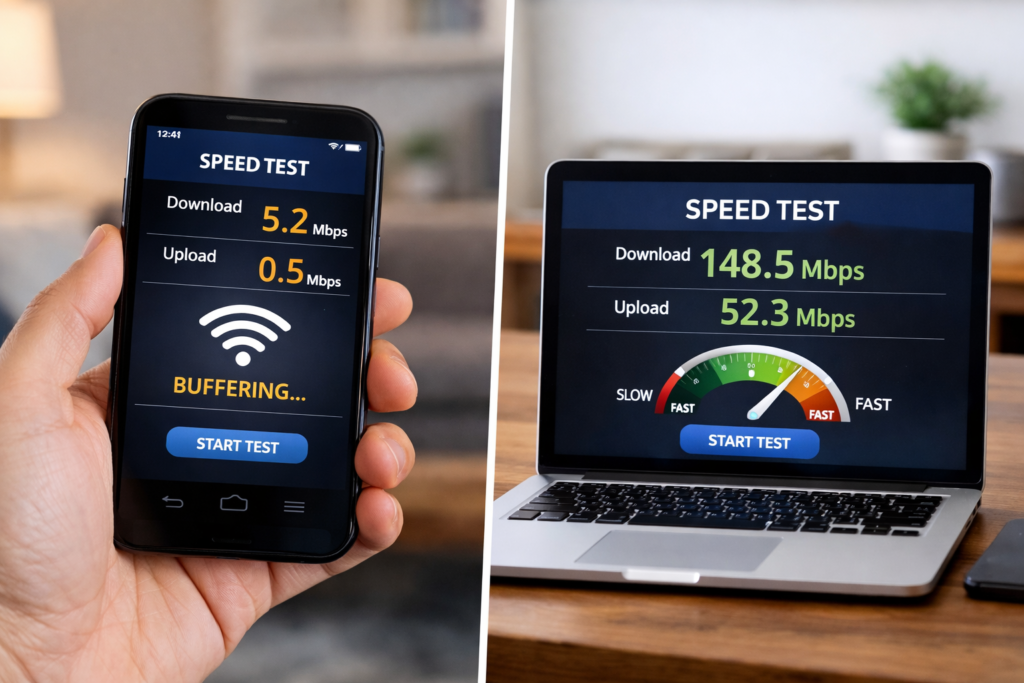
Have you ever noticed that your Wi-Fi slow on phone but fast on laptop? It’s a common problem in many UK homes and can be incredibly frustrating. While your laptop streams 4K videos smoothly, your phone struggles to load webpages or apps.
The good news? This issue is usually not your internet plan. It often comes down to device differences, settings, and network interference. In this guide, we’ll explore why your Wi-Fi speed varies between devices and how to fix it.
This topic complements our previous guides: if you’re dealing with dead zones or inconsistent speeds, check out Wi-Fi Works in One Room Only – Causes & Fixes and Strong Wi-Fi Signal but Internet Is Slow for more troubleshooting tips.
Why Wi-Fi Can Be Fast on Laptop but Slow on Phone
Different Hardware Capabilities
Laptops often have more powerful Wi-Fi antennas and network cards than phones. A laptop’s hardware can maintain faster speeds over the same distance, while a smartphone may struggle, especially in rooms far from the router.
Tip: Older phones may have outdated Wi-Fi standards (like 802.11n), limiting maximum speeds. Upgrading to a newer device with 802.11ac or Wi-Fi 6 can improve performance.
Background Apps and Processes
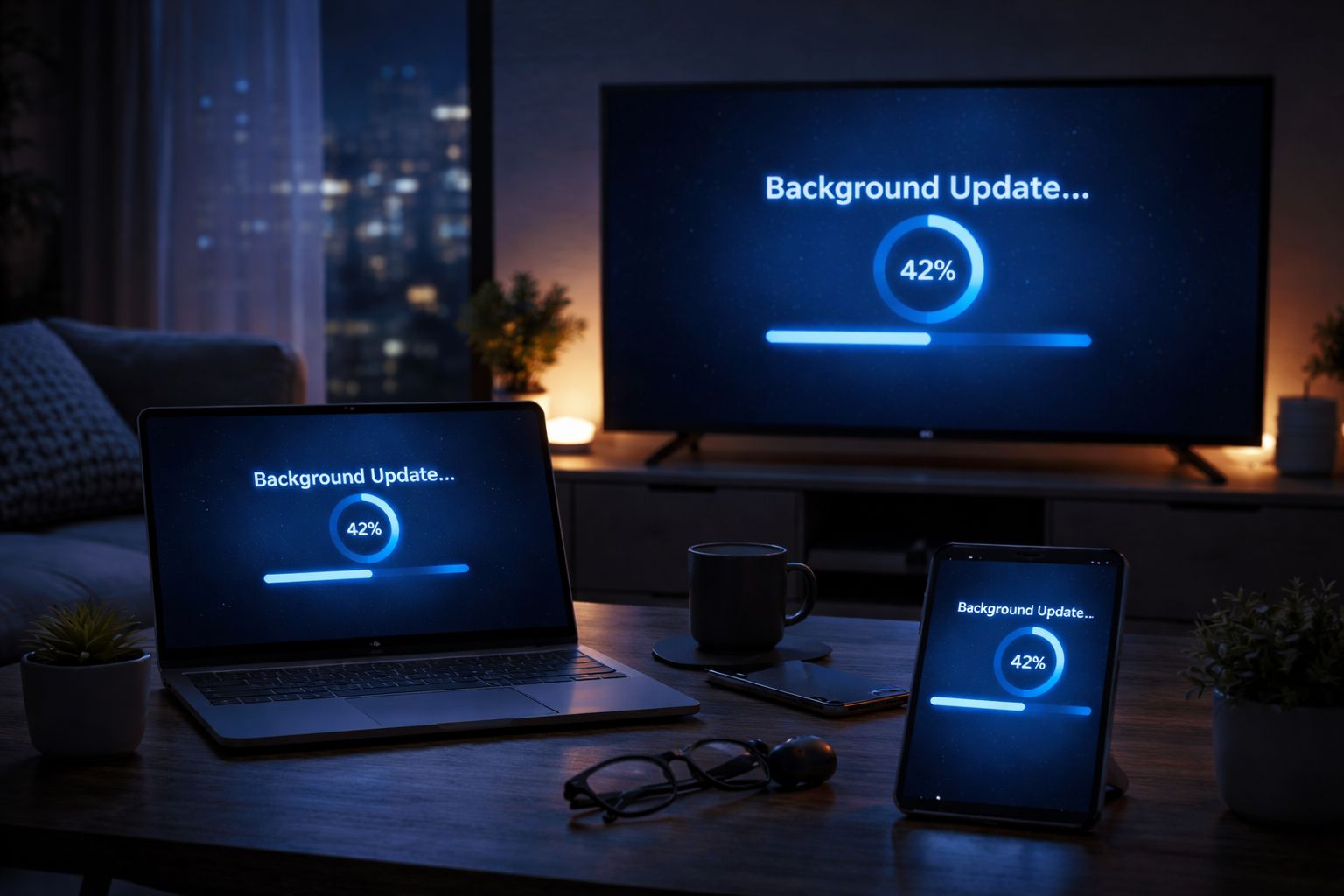
Smartphones often run multiple apps in the background — updates, cloud backups, social media refreshes — which consume bandwidth and make it seem like Wi-Fi is slow.
Tip: Close background apps or pause automatic updates to free up network bandwidth.
Wi-Fi Band Differences
Most routers broadcast on two frequencies: 2.4GHz and 5GHz.
- 2.4GHz: Longer range, slower speed, better for distant rooms
- 5GHz: Faster speed, shorter range
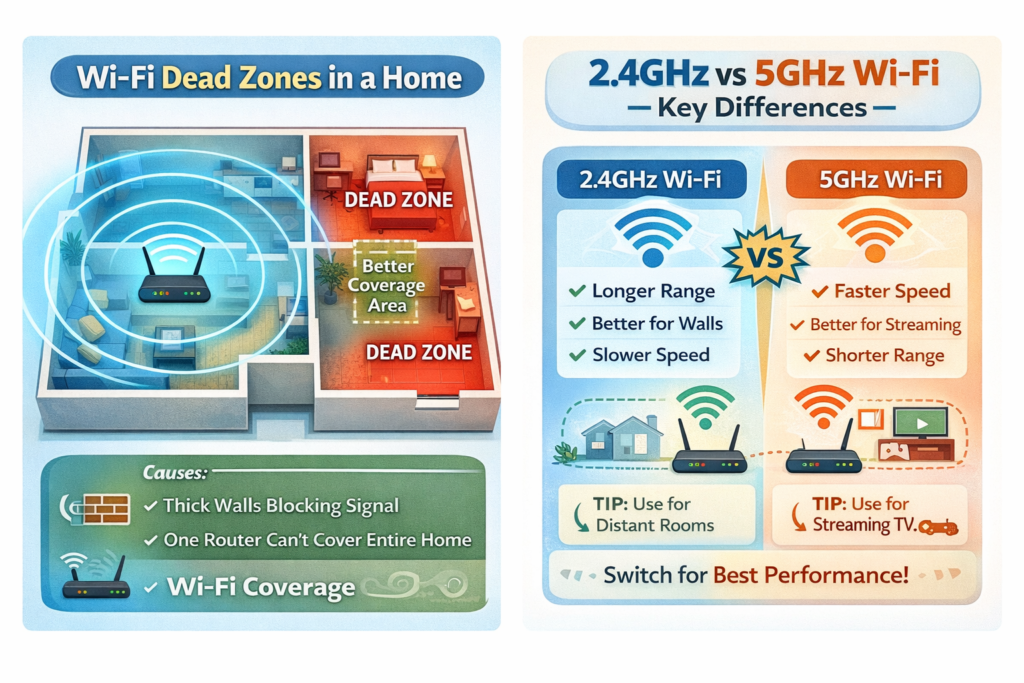
Laptops often connect automatically to the faster 5GHz band, while phones may remain on 2.4GHz if they are further away from the router.
Tip: Check your phone’s Wi-Fi settings and try connecting to the 5GHz band when near the router for higher speeds. Device compatibility can vary with frequency bands. See 5GHz Wi-Fi Worse Than 2.4GHz – Real Reasons Explained for detailed guidance.
Network Interference
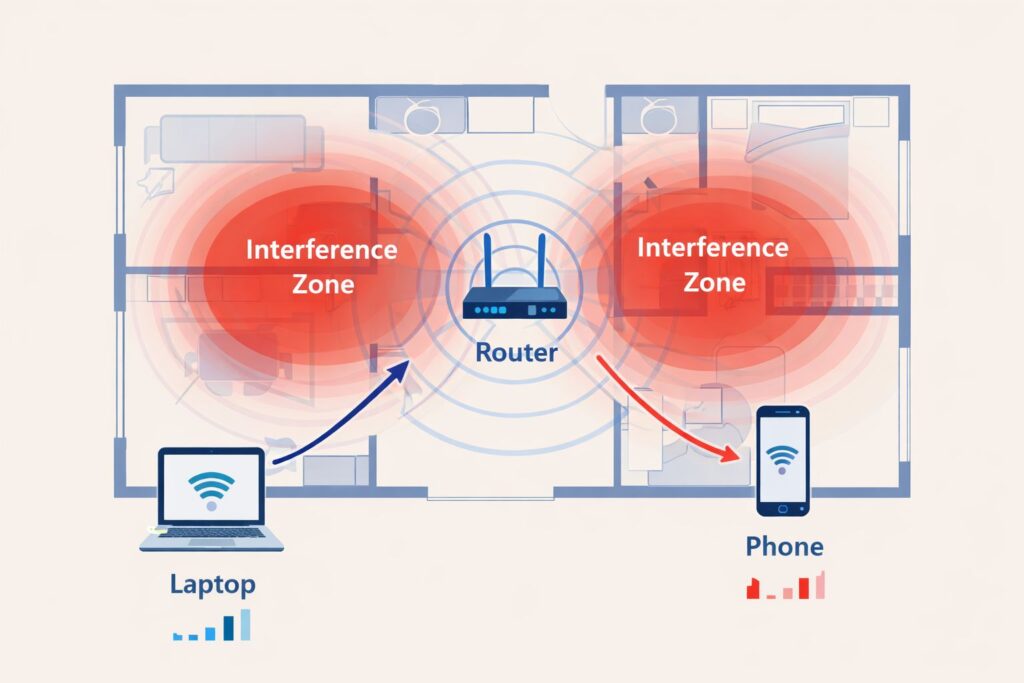
Phones are more sensitive to interference from other electronics, walls, or neighbouring Wi-Fi networks. Laptops often have stronger antennas that can maintain speed despite interference.
Tip: Move your router to a central, elevated location and away from metal objects or devices like microwaves.
Router Settings and QoS
Routers can prioritise devices or applications using Quality of Service (QoS) settings. If your laptop is prioritised, your phone may experience slower speeds, even on the same network.
Tip: Check your router’s QoS settings to balance speeds across devices.
For more tips on optimising your router, see Strong Wi-Fi Signal but Internet Is Slow.
Step-by-Step Fixes for Wi-Fi Slow on Phone but Fast on Laptop
Restart Devices and Router
A simple restart can refresh network connections and resolve temporary slowdowns. Turn off your router for 30 seconds, then restart both your phone and laptop.
Use Speedtest to measure your connection and identify if slow speeds are device-specific or network-wide.
Even speed tests can be misleading — read Internet Speed Test Shows Fast but Browsing Is Slow – Fixes to understand why.
Update Device Software
Keep your phone’s software and apps up to date. Outdated software can reduce network performance.
Switch Wi-Fi Bands
Connect your phone to the 5GHz band when close to the router, or 2.4GHz for distant rooms. This can significantly improve speed.
Reduce Background Activity
Close apps running in the background, disable automatic cloud backups temporarily, and stop heavy downloads on your phone.
Use a Wi-Fi Extender or Mesh System
If your phone is consistently slow in a particular room, a Wi-Fi extender or mesh system can strengthen coverage.
Check our Wi-Fi Router guide for recommended models in UK homes. Use a Wi-Fi Extender to boost coverage in larger flats or multi-storey homes.
For more tips on extending coverage and fixing weak signals in specific rooms, see our Wi-Fi Works in One Room Only – Causes & Fixes blog.
Optimise Router Placement
Place your router centrally in the home, elevated, and away from walls or electronics that may interfere with the signal.
Common Mistakes That Make Wi-Fi Slow on Phones
- Keeping phones far from the router without 5GHz connection
- Not closing background apps
- Ignoring firmware updates on router or phone
- Overcrowding the Wi-Fi network with too many devices
Correcting these mistakes often fixes the issue without needing new hardware.
FAQ – Wi-Fi Slow on Phone but Fast on Laptop
Q1: Why is Wi-Fi fast on my laptop but slow on my phone?
A: Usually due to device differences, Wi-Fi band selection, or background apps consuming bandwidth.
Q2: Will upgrading my phone help?
A: Yes, newer phones support faster Wi-Fi standards like Wi-Fi 6, which can significantly improve speeds.
Q3: Can a Wi-Fi extender help my phone speed?
A: Definitely. Extenders rebroadcast the signal to areas with weak coverage, helping smartphones maintain fast speeds.
Q4: Should I prioritise my phone in router QoS settings?
A: If your phone is used heavily for video calls or streaming, adjusting QoS can help balance speeds between devices.
Conclusion
If your Wi-Fi slow on phone but fast on laptop, don’t panic. This is a common issue caused by device capabilities, Wi-Fi bands, interference, and router settings. By following the fixes above — updating devices, adjusting bands, managing background apps, and optimising router placement — you can enjoy faster Wi-Fi on both phones and laptops throughout your home.
For more in-depth guides on improving Wi-Fi coverage and speeds in your UK home, also check out:
Enjoyed our Wi-Fi guides? Share your experience on Trustpilot — we’d love to hear from you!
Pingback: New Router but Same Wi-Fi Problems? 7 Quick Fixes
Pingback: Full Wi-Fi Bars but No Internet? 7 Proven Fixes That Work
Pingback: Internet Drops at Night? 7 Shocking Reasons & How to Fix It