
Internet Drops at Night? 7 Shocking Reasons & How to Fix It Fast in Your UK Home
Have you ever been streaming a show, working late, or gaming, only to notice that your internet drops at night? While your Wi-Fi may seem strong, your devices suddenly lose connection. This is a common problem in many UK homes, and the good news is that it’s usually not your broadband plan at fault.
Night-time internet drops often happen because of network congestion, interference, router issues, or device overload. In this guide, we’ll explore 7 shocking reasons your internet drops at night and give step-by-step solutions to fix it quickly.
This blog will explain why your internet drops at night, how to diagnose the problem, and provide step-by-step solutions to fix it.
It also complements our other guides, including Wi-Fi Works in One Room Only – Causes & Fixes, Strong Wi-Fi Signal but Internet Is Slow, and Wi-Fi Slow on Phone but Fast on Laptop.

Why Internet Drops at Night
ISP Network Congestion
One of the main reasons your internet drop at night is ISP congestion. Peak hours in the UK — usually 7 PM to 11 PM — see many households online simultaneously. Streaming, gaming, video calls, and smart devices all draw bandwidth.
Even if your router shows a strong Wi-Fi signal, the actual internet speed may slow or disconnect temporarily.
How to check:
- Use Speedtest or Ofcom’s broadband checker at different times to compare speeds.
- If speeds drop significantly at night, it’s likely ISP congestion.
Quick fix: Schedule high-bandwidth tasks (downloads, cloud backups) for daytime, and avoid simultaneous heavy usage on multiple devices. If you live in a shared house, network congestion can make drops worse. Read Shared House Wi-Fi Problems in the UK – Tips & Solutions.
Router Overload
Routers can struggle when too many devices are connected simultaneously. Night-time often sees all household devices active — smart TVs streaming, gaming consoles online, smartphones updating apps, and smart lights syncing data.
Older or lower-end routers may drop connections if overloaded.
Tip:
- Restart your router daily.
- Upgrade to a modern router that supports multiple devices and faster Wi-Fi standards (like Wi-Fi 5 or Wi-Fi 6).
For tips on optimising your router, see Strong Wi-Fi Signal but Internet Is Slow.
Automatic Updates and Background Tasks
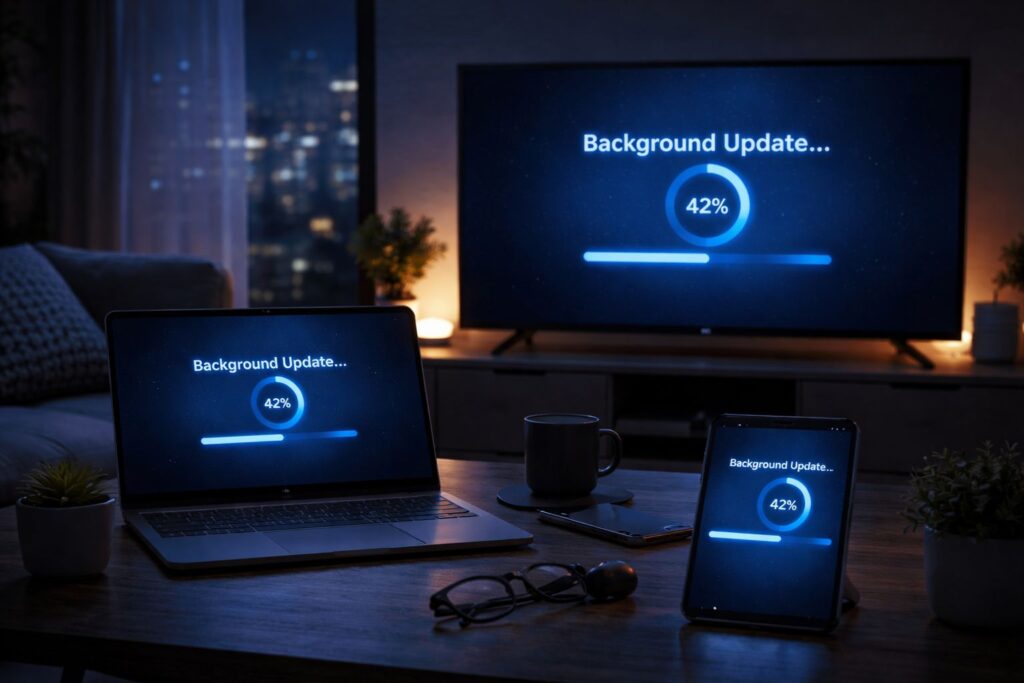
Phones, laptops, and smart TVs often perform automatic updates or backups at night. These tasks consume bandwidth and may trigger temporary disconnections.
Tip:
- Pause automatic updates or backups during evening hours.
- Schedule them for late morning or afternoon when network usage is lower.
Wi-Fi Interference
Other electronics and neighbouring networks can interfere with your Wi-Fi signal. Common culprits: microwaves, cordless phones, baby monitors, and even thick walls.
Night-time interference may increase because more households use Wi-Fi simultaneously.
Tip:
- Place your router centrally and elevated in your home.
- Keep it away from electronics that emit signals.
- Switch between 2.4GHz and 5GHz bands to see which works best for your devices.
Router Firmware or Hardware Issues
Outdated router firmware or aging hardware can cause night-time drops. Older routers may not handle multiple devices or high-traffic hours effectively.
Tip:
- Check your router’s firmware and update it regularly.
- If your router is more than five years old, consider upgrading to a newer, high-performance model.
Check our Wi-Fi Router guide for recommended models in UK homes. Use a Wi-Fi Extender to boost coverage in larger flats or multi-storey homes.
Poor Device Wi-Fi Performance
Some devices, particularly older smartphones and laptops, have weaker antennas or only support older Wi-Fi standards (like 802.11n). This can make them more prone to dropping connections at night.
Tip:
- Upgrade devices to those that support Wi-Fi 5 or Wi-Fi 6.
- Prioritise essential devices using your router’s Quality of Service (QoS) settings to ensure stable connectivity.
Overcrowded Wi-Fi Network
If everyone in the household is streaming, gaming, and video calling at the same time, your Wi-Fi network can become overcrowded. Routers have a limit on how many devices they can handle efficiently.
Tip:
- Limit unnecessary device usage during peak hours.
- Use mesh Wi-Fi or extenders to distribute the load across multiple access points.
- Separate devices onto 2.4GHz (for longer range) and 5GHz (for higher speeds) bands.
Step-by-Step Fixes for Internet Drops at Night
Check Your Internet Speed at Night
Use Ofcom’s broadband checker to see if your ISP is delivering the promised speeds during peak hours.
Learn why speed tests may not reflect real-life browsing in Internet Speed Test Shows Fast but Browsing Is Slow – Fixes.
Restart Router and Devices
Power cycle your router for 30 seconds, then restart connected devices. Temporary drops are often fixed this way.
Reduce Device Load
Disconnect devices not in use. Schedule heavy downloads and cloud backups for daytime.
Enable QoS settings
Enable Quality of Service (QoS) to prioritise important devices.
Switch Wi-Fi bands
Switch between 2.4GHz and 5GHz bands depending on device location.
Move Router to Optimal Location
Place it centrally in the home, elevated, and away from interference sources.
Update Firmware or Upgrade Router
Ensure your router firmware is current. If the router is old, consider a new high-performance model.
Common Mistakes Leading to Night-Time Drops
- Placing the router in a cupboard or corner of the house
- Ignoring firmware updates
- Connecting too many devices at once
- Using 5GHz in distant rooms without sufficient coverage
- Not monitoring ISP congestion patterns
Correcting these mistakes often resolves night-time internet drops without expensive upgrades.
FAQ – Internet Drops at Night
Q1: Why does my internet drop at night but works fine during the day?
A: It’s often due to network congestion, router overload, or automatic device updates.
Q2: Will upgrading my router stop night-time drops?
A: Yes, especially if your current router is older or cannot manage multiple devices effectively.
Q3: Can a Wi-Fi extender or mesh system help?
A: Definitely, especially in larger homes or areas where Wi-Fi signal is weak.
Q4: How can I check if my ISP is causing the drops?
A: Use Speedtest or Ofcom’s broadband checker at different times, especially evenings, to compare speeds.
Q5: Can background apps on phones cause drops?
A: Yes, automatic updates and cloud backups can consume bandwidth and trigger temporary disconnects.
Tips for Stable Night-Time Internet
- Limit unnecessary device usage during peak hours
- Schedule updates and backups outside evening hours
- Place router in an open, central location
- Consider mesh Wi-Fi for multi-floor homes
Conclusion
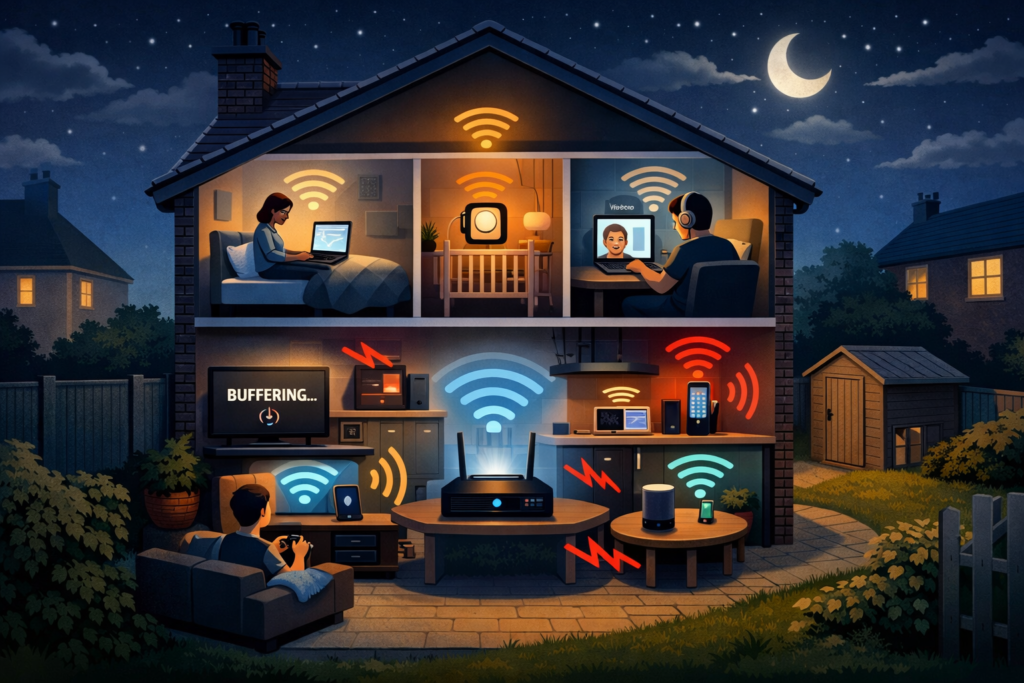
Experiencing internet drops at night is a common UK household issue. Most of the time, it’s caused by ISP congestion, router overload, interference, or device updates. By following the fixes above — checking speed, optimising router settings, reducing device load, and updating firmware — you can enjoy a stable connection every evening.
For more related guides:
- Wi-Fi Works in One Room Only – Causes & Fixes
- Strong Wi-Fi Signal but Internet Is Slow
- Wi-Fi Slow on Phone but Fast on Laptop
Enjoyed our Wi-Fi guides? Share your experience on Trustpilot — we’d love to hear from you!
Pingback: Full Wi-Fi Bars but No Internet? 7 Proven Fixes That Work
Pingback: Shared House Wi-Fi Problems UK: 8 Practical Tips & Solutions
Pingback: 8 Shocking: Speed Test Fast but Browsing Slow Explained