
Speed Test Fast but Browsing Slow – Real Reasons & Fixes (UK Guide)
You run an internet speed test and everything looks perfect. Download speed is high, upload speed is decent, ping looks fine. Yet the moment you open a website, it takes ages to load. Pages hang, images appear slowly, and sometimes nothing happens at all.
If your speed test fast but browsing slow, you’re not alone — and no, you’re not imagining it. Peak-time drops make shared Wi-Fi worse. Check Internet Drops at Night – Causes & How to Fix.
This is one of the most confusing internet problems for UK households because it feels like the internet should be flying. In reality, browsing speed depends on many things that speed tests simply don’t measure.
This guide explains why browsing feels slow even when speed tests look fast, using real UK examples, and walks you through fixes that actually work.
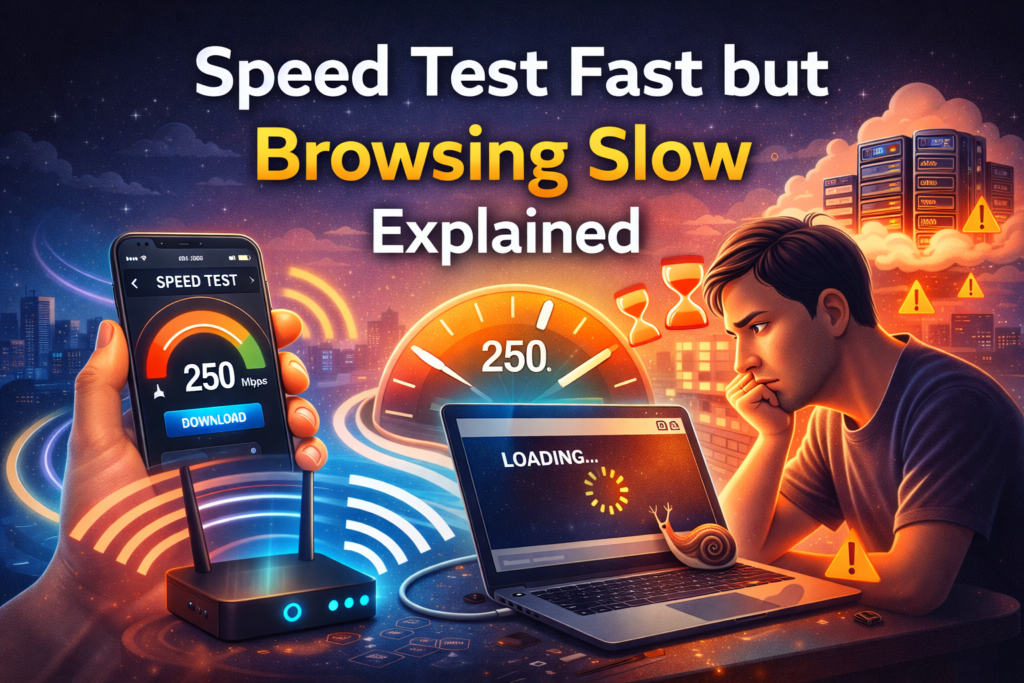
Why Speed Tests Look Fast but Browsing Feels Slow
Speed tests measure how quickly data moves between your device and a nearby test server. They don’t show:
- How fast websites respond
- Wi-Fi stability inside your home
- Router performance
- DNS delays
- Device or browser issues
That’s why speed test fast but browsing slow is such a common complaint.
Think of it like testing how fast your car accelerates on an empty road — it doesn’t tell you how slow traffic will be during rush hour.
Real UK Example: “My Internet Says 150 Mbps but Google Takes Ages”
A common scenario:
“I’m on fibre broadband in the UK. Speed test shows 150 Mbps. Netflix works fine. But browsing feels slow — Google searches hang and websites load late.”
What’s happening here is important:
- Streaming apps buffer content in advance
- Browsing loads lots of small files, scripts, ads, and trackers
- Any delay in DNS, Wi-Fi, or the browser slows everything down
So your speed test fast but browsing slow because browsing stresses the network in a completely different way.
Why Speed Tests Lie About Real Browsing Speed
One of the biggest reasons people feel confused is because a speed test fast but browsing is slow situation feels illogical. If your internet shows 150 Mbps, browsing should be instant — but real-world internet doesn’t work like a straight pipe.
Speed tests measure:
- Raw download speed
- Connection to a nearby test server
- Short bursts of data
Browsing the web is different:
- Websites load from multiple servers
- Each page makes dozens of small requests
- DNS lookups, SSL handshakes, ads, trackers all slow things down
In the UK, many popular websites are hosted outside the country, meaning routing quality matters more than raw speed. This is why a speed test fast but browsing slow problem is so common on otherwise “good” broadband.
UK ISPs and Traffic Routing Issues
Another overlooked cause of speed test fast but browsing is slow issues is ISP routing.
UK internet providers like BT, Virgin Media, Sky, and TalkTalk sometimes route traffic through congested or inefficient paths — especially during peak evening hours (7pm–11pm).
What this looks like in real life:
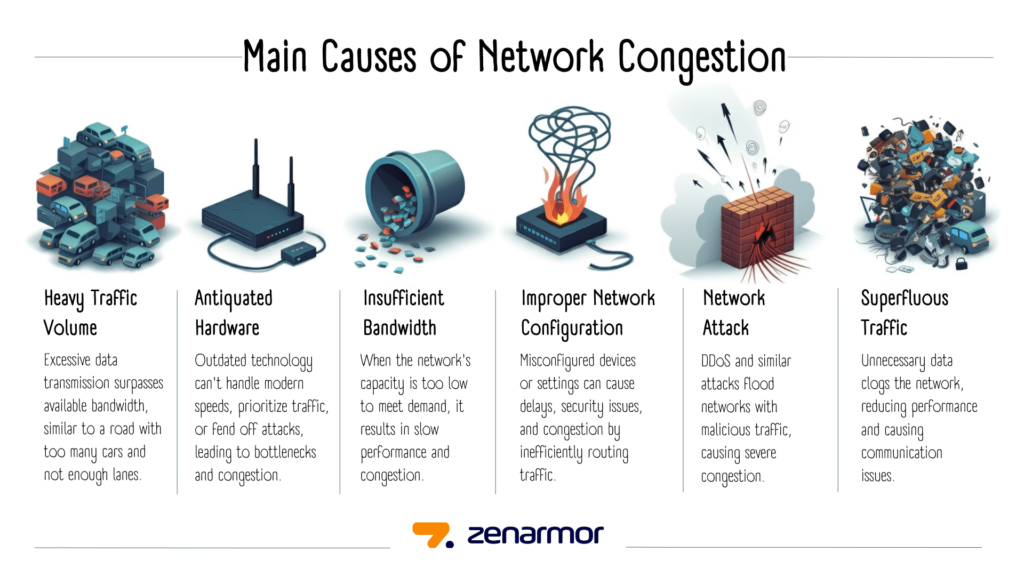
- Speed test at 2pm: 200 Mbps
- Same connection at 9pm: websites crawl
- Streaming buffers even though speed looks fine
This happens because:
- Shared network infrastructure
- Oversubscribed local exchanges
- International routing congestion
You can check UK broadband performance insights from:
These sites show real-world congestion, not just speed test numbers.
Common Reasons Internet Speed Test Fast but Browsing Slow
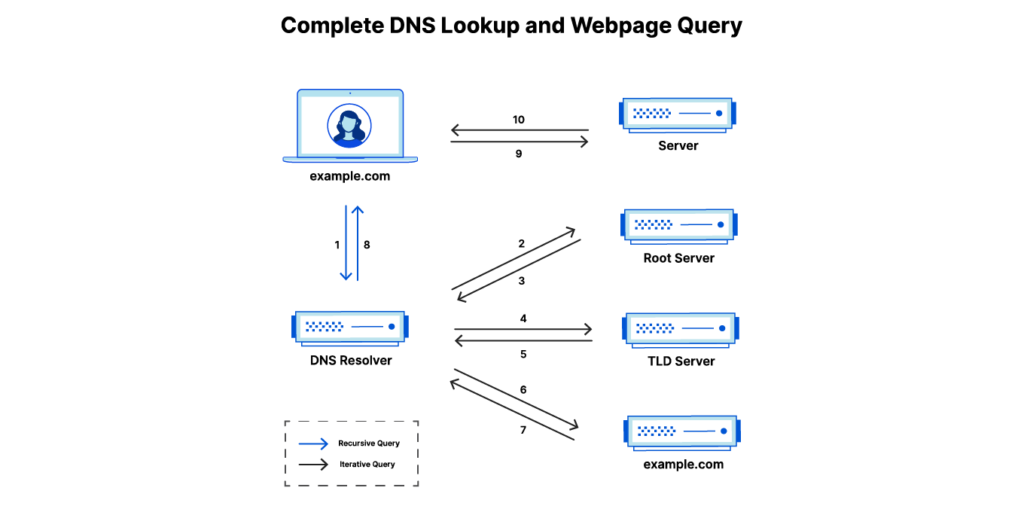
DNS Delays: The Most Overlooked Cause
DNS (Domain Name System) translates website names into IP addresses. If DNS is slow, your browser waits before a page even starts loading.
Signs DNS is the problem:
- Delay before websites begin loading
- Refreshing the page feels faster than first load
- Speed tests still look fine
This is a very common reason internet speed test shows fast but browsing is slow in the UK, especially when using default ISP DNS servers.
Full bars don’t always mean connection is fine. Check Full Wi-Fi Bars but No Internet – Reasons & Solutions.
Fix: Change DNS
Switch to faster public DNS providers such as:
- Google DNS
- Cloudflare DNS
Cloudflare explains DNS clearly here.
Wi-Fi Issues Inside UK Homes
Even with fast broadband, Wi-Fi problems can make browsing painfully slow.
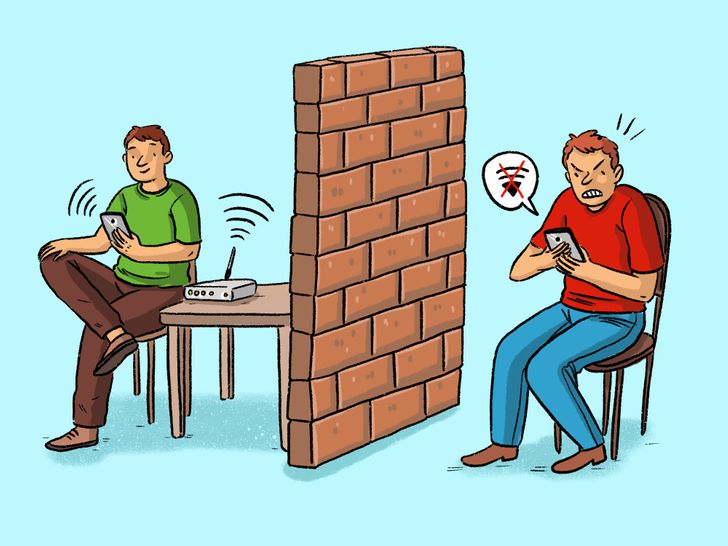
Common UK-specific causes:
- Thick brick or stone walls
- Router placed near front door or hallway
- Interference from neighbouring flats
- Old routers supplied by ISPs
Speed tests often run when your Wi-Fi signal is momentarily strong. Normal browsing suffers when signal quality drops slightly.
This is especially common in:
- Terraced houses
- Flats
- Shared houses
- Older properties
Browser Problems (Cache, Extensions, Profiles)
If speed test fast but browsing slow on one device only, the browser is often the culprit.
Common issues:
- Corrupted cache files
- Too many browser extensions
- Old browser profiles
Ad blockers and privacy extensions can sometimes slow browsing instead of speeding it up.
Fix:
- Clear browser cache
- Disable unused extensions
- Test in incognito/private mode
Background Apps Eating Bandwidth
Your internet might be fast — but not all of it is going to your browser.
Hidden bandwidth users include:
- Cloud backups
- Windows or macOS updates
- Smart TVs streaming quietly
- Gaming console downloads
This creates the illusion that internet speed test shows fast but browsing is slow, because the speed test runs when background usage pauses.
Fix:
- Check connected devices in router settings
- Pause downloads
- Restart devices to clear stuck processes

Website Server Problems (Not Your Fault)
Sometimes browsing is slow because the website itself is slow.
Signs:
- One site loads slowly, others are fine
- Social media works, but news sites lag
- Speed tests still look excellent
You can check website status here. If the site’s server is overloaded, your fast internet won’t help.
Router Performance & Bufferbloat
Many UK households still use basic ISP-supplied routers. These struggle with:
- Multiple devices
- Modern websites
- Heavy browsing sessions
Some routers also suffer from bufferbloat, where traffic queues cause delays.
This is a major reason internet speed test shows fast but browsing is slow in busy homes.
Which? router advice.
Check our Wi-Fi Router guide for recommended models in UK homes. Use a Wi-Fi Extender to boost coverage in larger flats or multi-storey homes.
For more tips on extending coverage and fixing weak signals in specific rooms, see our Wi-Fi Works in One Room Only – Causes & Fixes blog.
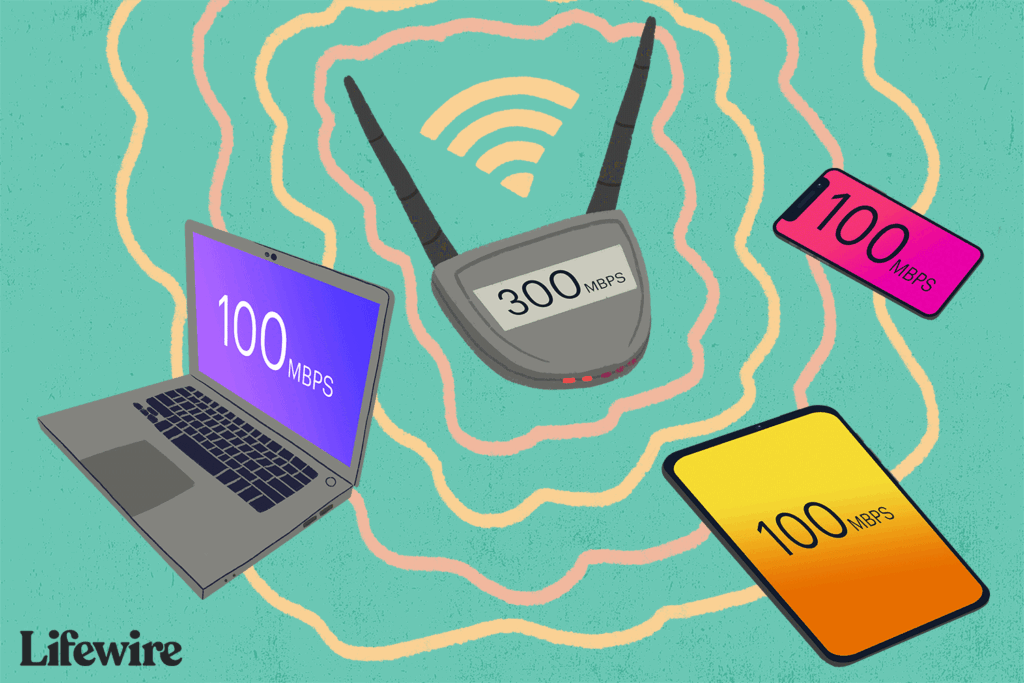
High Latency & Packet Loss (Not Shown Clearly in Speed Tests)
Speed tests focus on download speed, but browsing relies heavily on:
- Latency (delay)
- Packet loss
High latency causes:
- Slow response when clicking links
- Pages feeling “sticky”
- Forms taking ages to submit
You can see latency in tools like speedtest.
VPNs and Security Software
VPNs encrypt traffic, which can slow down browsing even when speed tests still look good.
If your speed test fast but browsing slow, try:
- Turning off VPN temporarily
- Switching VPN server
- Updating security software
Quick Fix Checklist (UK Homes)
If your speed test looks fast but browsing is slow:
- Restart router and device
- Change DNS settings
- Clear browser cache
- Move closer to the router
- Test using Ethernet
- Check other devices on the network
When to Contact Your ISP (And What to Say)
If you’ve tried:
- DNS changes
- Router reboot
- Browser cleanup
- Wired connection test
And still experience speed test fast but browsing is slow, contact your ISP — but be specific.
What to say:
- Websites slow despite full speed
- High latency during peak hours
- Poor routing to UK and EU servers
- Consistent evening congestion
Mentioning technical symptoms gets faster escalation than “my internet is slow”.
FAQ: Speed Test Fast but Browsing Slow
Why does my speed test show fast but browsing is slow?
Because browsing depends on DNS, Wi-Fi quality, latency, and device performance — not just raw speed.
Is this problem common in the UK?
Yes. UK homes with thick walls and shared Wi-Fi are especially affected.
Should I change broadband provider?
Usually no. Fixing internal Wi-Fi and DNS issues helps more.
Does Ethernet fix slow browsing?
Yes. Ethernet removes Wi-Fi interference completely.
Final Thoughts
When your speed test fast but browsing slow, the problem is almost never the broadband speed itself. It’s usually DNS delays, Wi-Fi interference, router limitations, or background usage.
Once you understand these hidden factors, slow browsing becomes much easier to fix — without paying more for faster internet you don’t actually need. Device-specific slowness can occur, See Wi-Fi Slow on Phone but Fast on Laptop – Why This Happens.
Enjoyed our Wi-Fi guides? Share your experience on Trustpilot — we’d love to hear from you!
Pingback: 5 Reasons Strong Wi-Fi Signal but Internet Is Slow
Pingback: Shared House Wi-Fi Problems UK: 8 Practical Tips & Solutions
Pingback: 7 Best Budget Wi-Fi Routers UK – Affordable Routers for Home & Office
Pingback: Smart TV Not Connecting to WiFi UK: 9 Powerful Fixes
Pingback: WiFi Signal Weak Near TV UK – 6 Easy Fixes for Dead Zones